 bootsgrid
Magento is known for its flexibility. Businesses can extend functionality, improve customer experiences, and integrate third party services through a wide range of extensions. While this flexibility is one of Magentos greatest strengths, it also introduces a responsibility that many store owners underestimate: keeping extensions updated.
Most merchants understand the importance of updating Magento itself. However, outdated extensions often receive far less attention. They continue running in the background, appearing to function normally while gradually creating hidden risks that affect performance, security, and long term maintainability.
The reality is that outdated Magento extensions can have a much larger impact on store performance than many businesses realize.
Why Extensions Become Outdated
There are several reasons Magento extensions fall behind.
Common causes include:
- Delayed maintenance schedules
- Fear of breaking existing functionality
- Limited development resources
- Lack of awareness about available updates
- Extensions from vendors that no longer provide support
In many cases, if a module appears to be working correctly, businesses assume there is no urgency to update it.
Unfortunately, compatibility issues and performance problems often develop long before visible errors appear.
How Outdated Extensions Affect Store Performance
Performance degradation rarely happens overnight.
Instead, outdated extensions slowly create inefficiencies that accumulate over time.
Inefficient Database Operations
Magento relies heavily on database interactions.
Older extensions may contain:
- Unoptimized queries
- Redundant data processing
- Inefficient indexing operations
- Legacy coding approaches
As product catalogs and customer data grow, these inefficiencies become increasingly noticeable.
Pages take longer to load, administrative tasks become slower, and server resources are consumed unnecessarily.
Increased Server Resource Consumption
Modern Magento releases continuously improve performance standards.
Extensions developed years ago may not follow current optimization practices.
As a result, they may:
- Execute unnecessary background processes
- Generate excessive API requests
- Load unused scripts
- Increase memory consumption
These activities can impact both frontend and backend performance, particularly during high traffic periods.
Slower Checkout Experiences
Checkout performance directly affects conversion rates.
Outdated extensions integrated into checkout workflows may introduce delays through:
- Additional validation requests
- Slow third party service calls
- Legacy JavaScript components
- Inefficient event processing
Even small delays can create friction that negatively impacts customer experience.
Security Risks Often Accompany Performance Issues
Performance is only part of the concern.
Outdated extensions frequently become security liabilities.
Extension vendors regularly release updates to address:
- Security vulnerabilities
- Authentication weaknesses
- Dependency issues
- API changes
- Compliance requirements
When updates are ignored, stores remain exposed to known risks that attackers actively target.
Security incidents can lead to:
- Website downtime
- Data breaches
- Lost customer trust
- Revenue loss
- Emergency recovery expenses
This is one reason extension maintenance should never be viewed solely as a performance task.
Compatibility Problems Increase Over Time
Magento evolves continuously.
Each platform update introduces:
- New framework versions
- Improved APIs
- Updated libraries
- Security enhancements
Older extensions may not fully support these changes.
Initially, compatibility issues may appear minor.
Examples include:
- Admin warnings
- Minor frontend glitches
- Unexpected log entries
Over time, these small issues can develop into significant operational problems that become expensive to resolve.
The Hidden Cost of Technical Debt
One of the least discussed consequences of outdated extensions is technical debt.
Every unsupported or outdated module adds complexity to the store environment.
This often leads to:
- Longer development timelines
- More difficult troubleshooting
- Increased upgrade costs
- Higher maintenance expenses
- Greater operational risk
Businesses frequently discover this problem when planning a Magento upgrade.
An upgrade that should take weeks can become months of work because outdated extensions require replacement, customization, or complete redevelopment.
Customer Experience Suffers First
Customers rarely know an extension is outdated.
They only notice the symptoms.
These may include:
- Slow page loads
- Delayed search results
- Checkout errors
- Broken integrations
- Inconsistent user experiences
Even minor performance issues can influence customer behavior.
Research consistently shows that shoppers expect fast, reliable experiences. When performance declines, abandonment rates often increase.
How Regular Extension Reviews Help
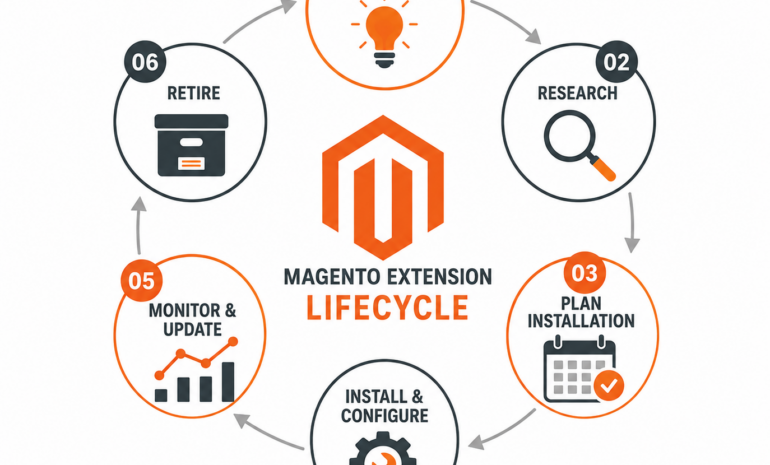
The most effective way to avoid performance and stability issues is through routine extension reviews.
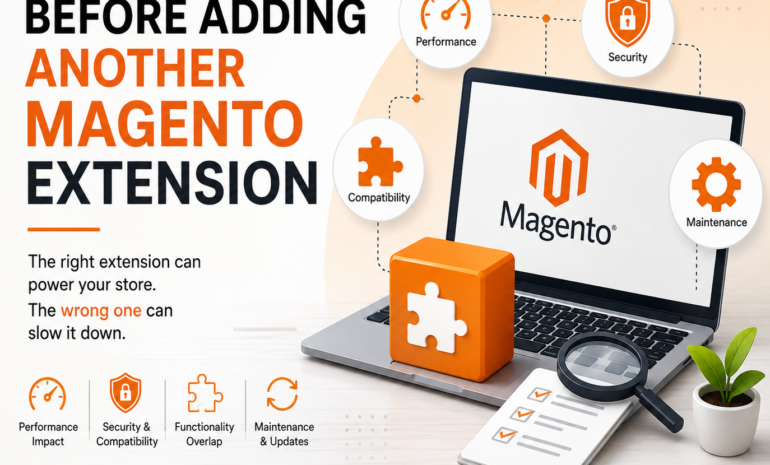
A comprehensive audit should evaluate:
- Extension version status
- Vendor support availability
- Performance impact
- Security update history
- Magento compatibility
- Actual business usage
Many businesses discover outdated modules that no longer provide meaningful value.
Removing or replacing these modules often results in measurable improvements.
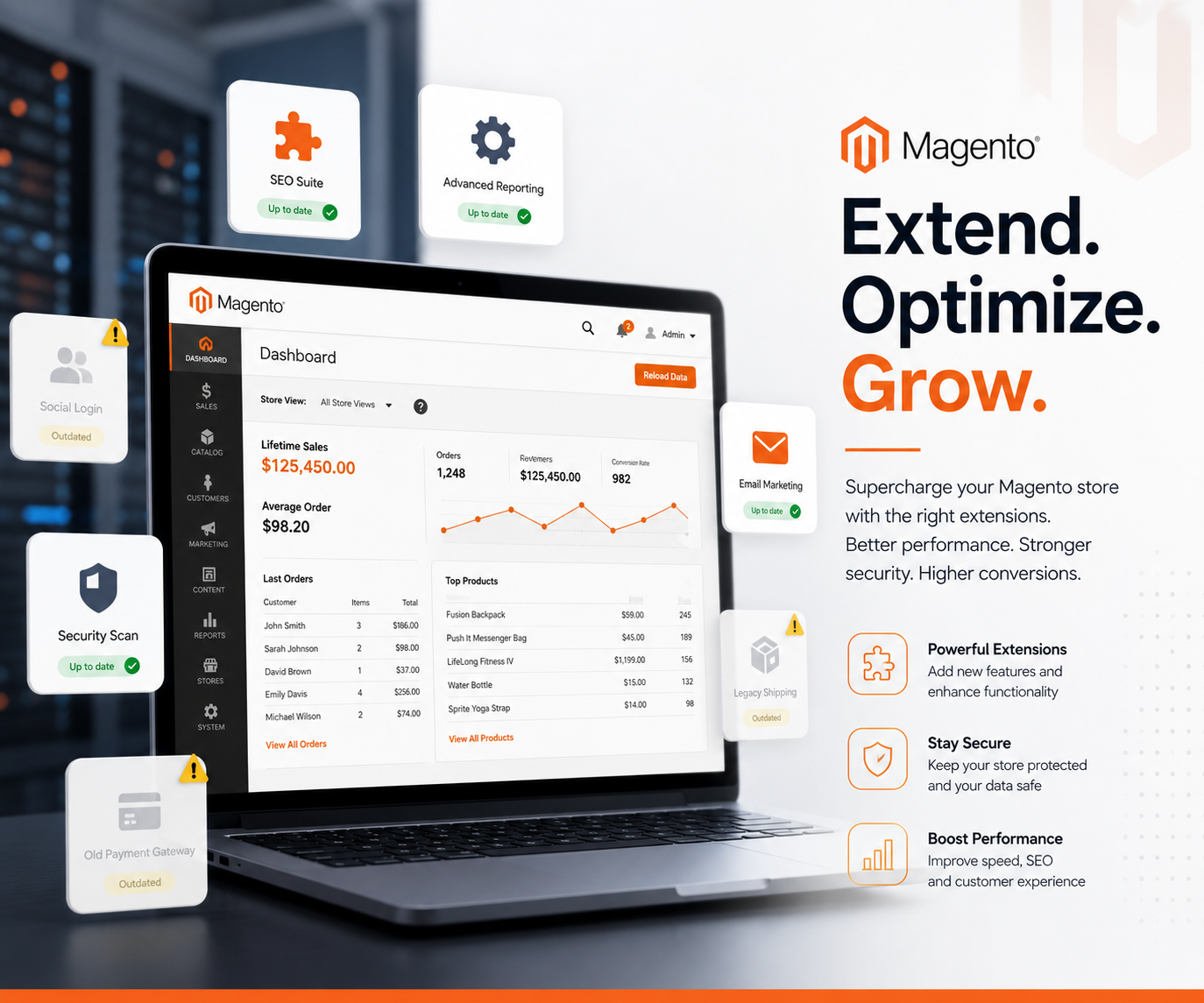
During routine audits, businesses should evaluate all installed Magento Extensions to verify compatibility, security status, vendor support, and ongoing business value.
Best Practices for Managing Magento Extensions
To maintain strong store performance:
- Review extensions regularly
- Remove unused modules
- Monitor vendor update releases
- Test updates in staging environments
- Verify compatibility before Magento upgrades
- Maintain extension documentation
- Prioritize security related updates
Proactive maintenance is significantly less expensive than resolving issues after they affect customers.
Final Thoughts
Outdated Magento extensions are often overlooked because they rarely cause immediate failures. Instead, they gradually introduce performance bottlenecks, compatibility concerns, security vulnerabilities, and technical debt that become increasingly difficult to manage.
Store owners who regularly review and maintain their extension ecosystem are better positioned to deliver fast customer experiences, complete successful upgrades, and reduce operational risks.
The health of a Magento store is not determined solely by the platform version. The condition of the extensions supporting that platform plays an equally important role in long term performance, stability, and growth.
FAQs
How do outdated Magento extensions affect performance?
Outdated Magento extensions can create inefficient database queries, consume excessive server resources, and slow critical processes such as checkout and search.
Are outdated Magento extensions a security risk?
Yes. Older extensions may contain known vulnerabilities that have already been fixed in newer versions released by vendors.
How often should Magento extensions be updated?
Extensions should be reviewed regularly, especially when security patches, Magento upgrades, or vendor updates become available.
Can outdated extensions prevent Magento upgrades?
Yes. Unsupported or incompatible extensions are one of the most common reasons Magento upgrade projects become delayed or more expensive.
What is the best way to manage Magento extensions?
Conduct regular audits, remove unused modules, monitor vendor support, test updates in staging environments, and keep all critical extensions current.