 bootsgrid
Every Magento store depends on Magento Extensions to deliver features that are not available in the core platform. Whether its advanced search, payment gateways, shipping integrations, customer rewards, marketing automation, or analytics, extensions help businesses customize their online stores without rebuilding everything from scratch.
However, many merchants think an extensions journey ends after installation. In reality, installation is only the beginning.
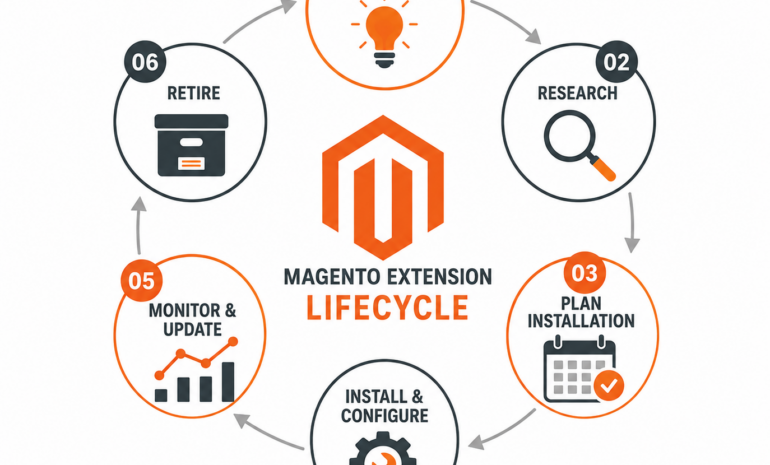
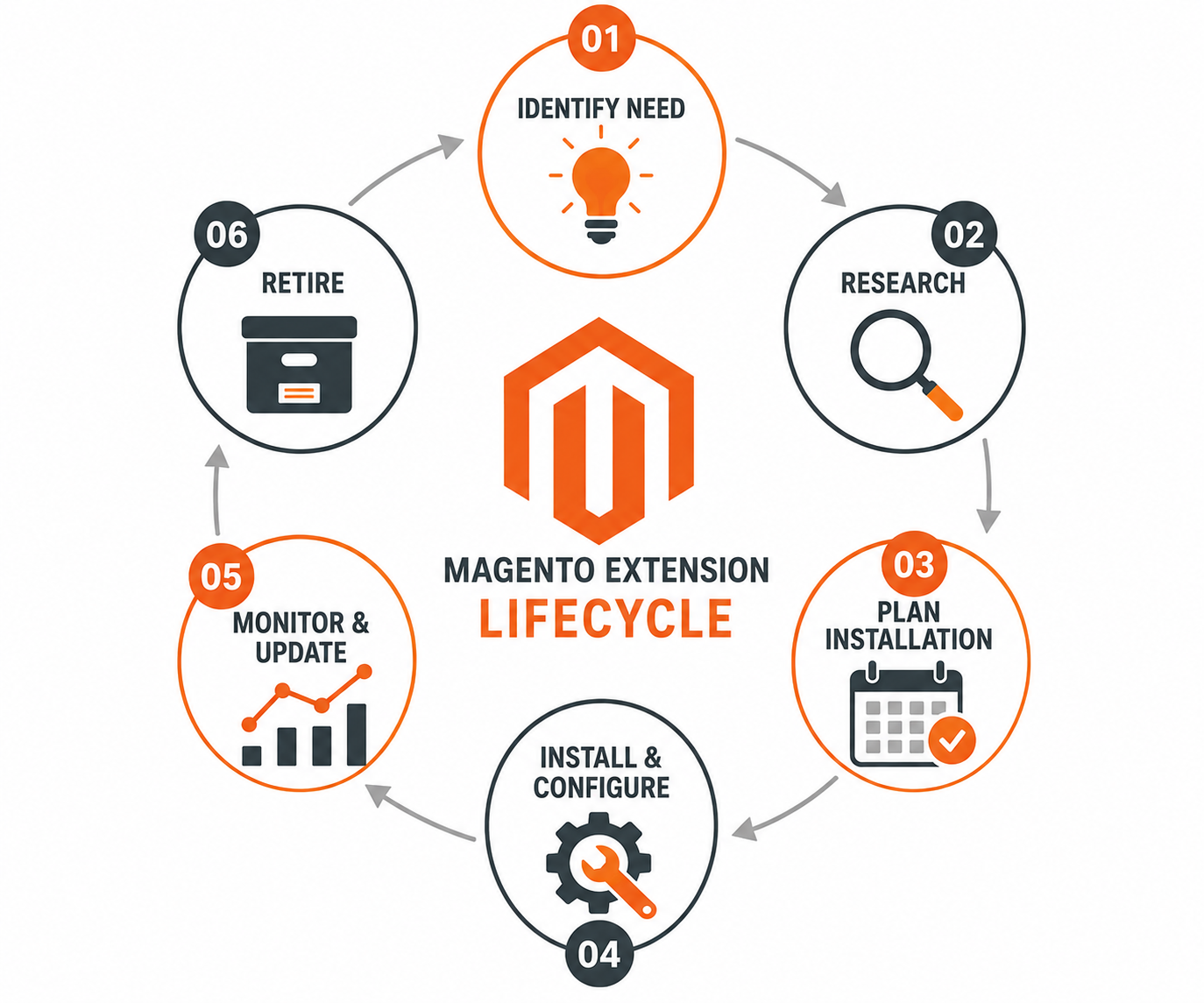
Like any software, every Magento extension has a lifecycle. It needs planning, testing, monitoring, updating, optimization, and eventually retirement when it no longer serves the business.
Ignoring any stage of this lifecycle can lead to security vulnerabilities, slow website performance, compatibility issues, and expensive maintenance costs.
This guide explains every phase of a Magento extensions lifecycle and provides best practices to keep your store healthy, secure, and scalable.
Why Understanding the Extension Lifecycle Matters
A Magento extension directly affects multiple parts of an online business, including:
- Store performance
- Customer experience
- Security
- Backend productivity
- Checkout reliability
- Search engine visibility
- Third party integrations
- Future upgrades
Businesses that actively manage extension lifecycles experience:
- Fewer technical issues
- Faster Magento upgrades
- Lower maintenance costs
- Better customer satisfaction
- Higher website performance
- Improved security posture
Treat every extension as a long term investment rather than a one time installation.
Phase 1: Identifying the Business Need
Every extension should solve a real business problem.
Instead of installing extensions simply because competitors use them, define the actual objective first.
Common business requirements include:
- Faster checkout
- Better search functionality
- Product recommendations
- ERP integration
- CRM synchronization
- Marketplace connectivity
- Shipping automation
- Tax calculations
- Customer loyalty
- SEO improvements
Ask questions like:
- What problem are we solving?
- Can Magento already handle this?
- Is customization a better option?
- Will this extension reduce manual work?
- Does it improve customer experience?
Clear requirements prevent unnecessary installations.
Phase 2: Researching the Right Extension
Not all extensions offer the same quality.
Choosing the wrong extension often creates technical debt.
Evaluate every extension based on:
Developer Reputation
Look for developers with:
- Regular updates
- Active customer support
- Good documentation
- Positive reviews
- Long term maintenance
Compatibility
Verify compatibility with:
- Magento version
- Adobe Commerce version
- PHP version
- Database version
- Existing extensions
Code Quality
Quality extensions typically feature:
- Clean architecture
- Magento coding standards
- Dependency Injection
- Minimal core overrides
- Modular structure
Performance
Poorly optimized extensions can:
- Increase page load times
- Create unnecessary database queries
- Consume server resources
- Slow checkout
Testing before production is always recommended.
Phase 3: Installation Planning
Installation should never happen directly on a live website.
A structured deployment plan includes:
- Backup creation
- Staging environment
- Dependency review
- Conflict analysis
- Rollback strategy
- Maintenance window planning
Proper planning minimizes business disruption.
Phase 4: Installation
Extensions can be installed through Composer or manually, depending on the vendor.
Typical installation activities include:
- Downloading package
- Installing dependencies
- Enabling module
- Running setup upgrade
- Deploying static content
- Clearing cache
- Reindexing
After installation, verify:
- Admin functionality
- Frontend pages
- Checkout
- Customer login
- Product pages
- Search
- APIs
- Cron jobs
Installation success should always be validated with functional testing.
Phase 5: Configuration
Most Magento extensions require configuration before becoming fully operational.
Configuration may include:
- API credentials
- Store views
- Business rules
- Customer groups
- Tax settings
- Shipping zones
- Notification preferences
- Display options
Avoid leaving default settings unchanged without reviewing business requirements.
Phase 6: Functional Testing
Testing should go beyond checking whether the extension loads successfully.
Validate:
Customer Experience
Test:
- Navigation
- Mobile responsiveness
- Product browsing
- Search
- Checkout
- Account creation
Backend Operations
Ensure:
- Order processing
- Invoice generation
- Shipment workflows
- Refund processing
- Reports
Integration Testing
Verify compatibility with:
- Payment gateways
- Shipping providers
- ERP
- CRM
- Inventory systems
- Marketing platforms
Comprehensive testing reduces production issues.
Phase 7: Performance Monitoring
Every installed extension consumes server resources.
Monitor:
- Page speed
- Database queries
- Memory usage
- CPU consumption
- API response times
- Cache efficiency
Warning signs include:
- Slow category pages
- Checkout delays
- Increased server load
- Longer indexing
- Frequent timeouts
Performance monitoring should continue throughout the extensions life.
Phase 8: Security Management
Extensions can introduce security risks if left unmanaged.
Security practices include:
- Installing verified extensions only
- Applying security patches
- Monitoring vendor announcements
- Removing unused modules
- Rotating API credentials
- Reviewing permissions
- Performing vulnerability scans
Security should be part of routine maintenance rather than an emergency response.
Phase 9: Regular Updates
Magento evolves continuously.
Extensions must evolve as well.
Updates may include:
- Bug fixes
- Performance improvements
- New features
- Security patches
- Compatibility updates
- API changes
Before updating:
- Backup your environment
- Test in staging
- Review release notes
- Check compatibility
- Validate customizations
Never assume every update is safe without testing.
Phase 10: Ongoing Maintenance
Healthy Magento stores continuously evaluate installed extensions.
Maintenance tasks include:
- Reviewing error logs
- Removing deprecated features
- Cleaning unused configurations
- Optimizing database tables
- Updating documentation
- Reviewing administrator access
Routine maintenance prevents small issues from becoming major problems.
Phase 11: Business Evaluation
Business priorities change over time.
Questions to ask periodically include:
- Is this extension still delivering value?
- Are users actively using it?
- Has Magento added similar native functionality?
- Is maintenance becoming expensive?
- Does another solution perform better?
Some extensions become unnecessary as business processes evolve.
Phase 12: Preparing for Retirement
Every extension eventually reaches retirement.
Reasons include:
- Vendor discontinued support
- Better alternatives exist
- Business process changed
- Platform upgrade incompatibility
- High maintenance costs
- Security concerns
Retirement planning should include:
- Data migration
- Configuration documentation
- Dependency analysis
- Replacement testing
- Backup creation
Proper planning avoids unexpected disruptions.
Phase 13: Safe Removal
Uninstalling an extension requires more than simply disabling it.
A structured removal process includes:
- Backup database
- Backup files
- Remove configuration
- Delete obsolete database tables if appropriate
- Disable module
- Remove Composer package
- Clear cache
- Reindex
- Test store functionality
Also confirm:
- No broken layouts
- No missing dependencies
- No JavaScript errors
- No API failures
- No orphaned data affecting reports
Common Lifecycle Mistakes
Many Magento stores encounter avoidable issues due to poor extension management.
Common mistakes include:
- Installing too many extensions
- Ignoring compatibility checks
- Skipping staging tests
- Delaying security updates
- Leaving unused modules enabled
- Forgetting documentation
- Choosing unsupported extensions
- Updating directly in production
Avoiding these mistakes leads to a more stable and maintainable store.
Extension Lifecycle Best Practices
To maximize the value of every extension:
- Install only what your business truly needs.
- Maintain a detailed inventory of installed extensions.
- Test all changes in a staging environment before production.
- Schedule regular updates and compatibility reviews.
- Monitor performance and security continuously.
- Remove obsolete or unused extensions promptly.
- Document configurations and customizations.
- Plan for replacement or retirement before support ends.
Following these practices helps reduce technical debt and ensures your Magento store remains reliable as your business grows.
Final Thoughts
A Magento extension should never be viewed as a one time purchase. From the moment you identify a business need to the day the extension is safely retired, every stage requires careful planning, testing, and maintenance.
By following a structured lifecycle approach, merchants can reduce technical debt, strengthen security, improve store performance, and simplify future upgrades. Regular reviews, proactive updates, and timely retirement of outdated modules help keep your Magento store efficient, scalable, and prepared for long term growth.
Frequently Asked Questions:
What is the lifecycle of a Magento extension?
The lifecycle of a Magento extension includes identifying a business need, selecting the right extension, planning the installation, configuring it, testing functionality, monitoring performance, applying updates, maintaining security, evaluating business value, and eventually retiring or replacing the extension when it is no longer suitable.
Why should Magento extensions be updated regularly?
Regular updates improve security, fix bugs, enhance compatibility with newer Magento releases, improve performance, and introduce new features. Keeping extensions updated helps maintain a stable and secure online store.
When should a Magento extension be removed?
An extension should be removed if it is no longer supported by the developer, causes compatibility issues, creates security risks, duplicates native Magento functionality, or no longer aligns with business requirements.
How can extension conflicts be avoided?
Extension conflicts can be minimized by choosing reputable developers, testing in a staging environment, reviewing dependencies before installation, monitoring logs, and avoiding overlapping functionality between multiple extensions.
How often should Magento extensions be reviewed?
Most experts recommend reviewing installed extensions during every major Magento update and conducting a full extension audit at least once or twice a year to identify outdated, unused, or incompatible modules.