 bootsgrid
One of the biggest reasons businesses choose Magento is its flexibility.
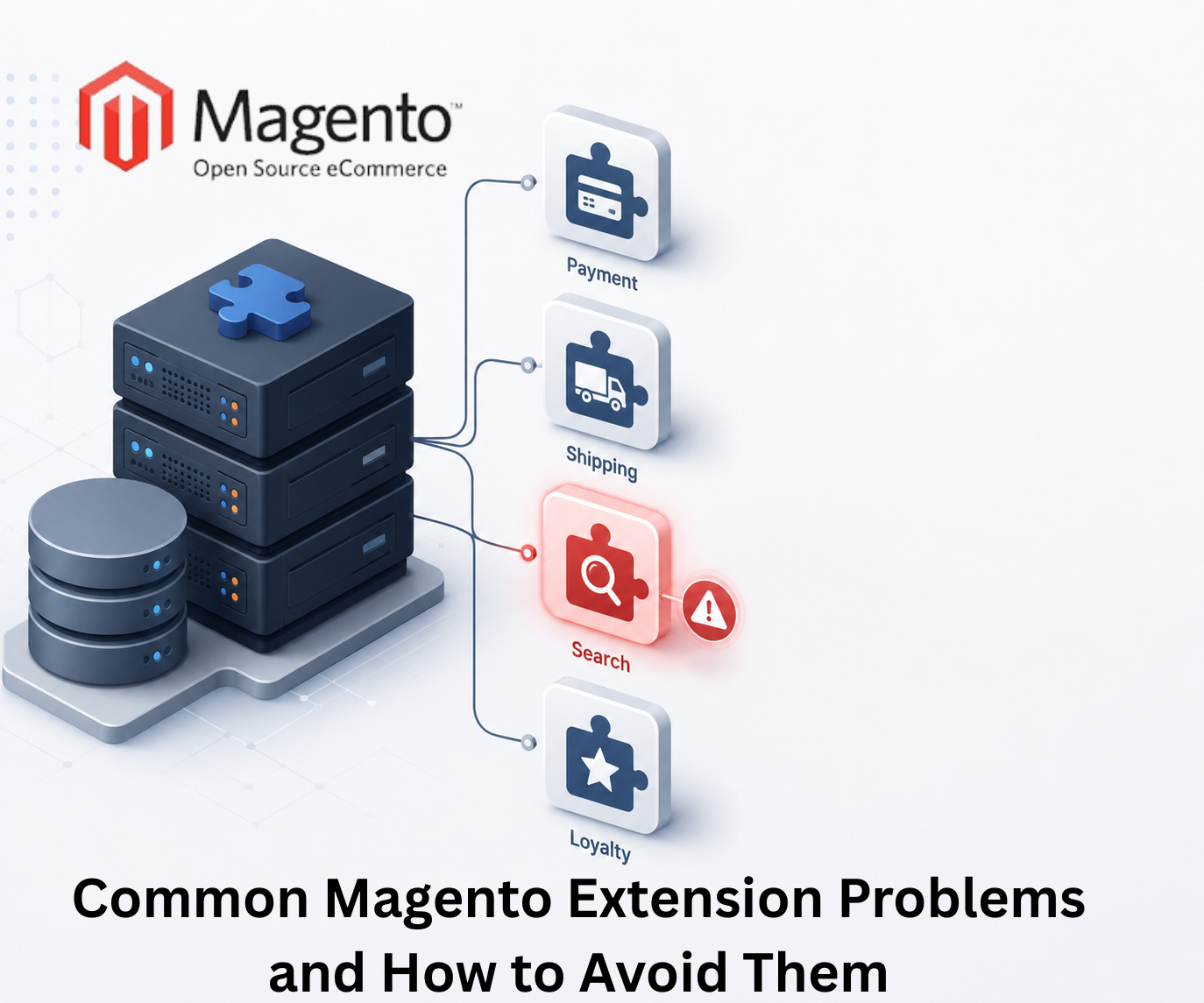
Magento allows merchants to customize nearly every aspect of their ecommerce experience. Whether it is payment gateways, shipping integrations, customer loyalty programs, advanced search functionality, or inventory management, extensions make it possible to add new capabilities without building everything from scratch.
However, while extensions provide tremendous benefits, they can also become a source of frustration when not managed properly.
Many Magento store owners discover performance issues, compatibility conflicts, security vulnerabilities, and maintenance challenges that can affect customer experience and business operations.
The good news is that most extension related problems can be avoided with proper planning and ongoing management.
Understanding these challenges can help businesses maintain a stable, secure, and high performing Magento store.
Why Magento Extensions Are So Popular
Magentos open architecture gives businesses the ability to tailor their stores to specific requirements.
Extensions allow merchants to:
- Add new functionality quickly
- Improve customer experience
- Integrate third party services
- Automate business processes
- Enhance marketing capabilities
- Support operational growth
This flexibility is one of Magentos greatest strengths.
However, flexibility also requires responsibility.
Every extension added to a store becomes part of the overall technology ecosystem and can influence performance, security, and maintainability.
Not All Extensions Are Built the Same
One of the most common mistakes businesses make is assuming all extensions meet the same quality standards.
In reality, extension quality varies significantly.
Some extensions are:
- Well maintained
- Regularly updated
- Securely coded
- Thoroughly tested
Others may:
- Lack ongoing support
- Use outdated coding practices
- Introduce security risks
- Create compatibility issues
Before installing Magento Extensions, businesses should evaluate the developers reputation, update history, documentation quality, and support availability.
Choosing trusted extensions can prevent many future problems.
Extension Conflicts Can Create Unexpected Issues
Magento stores often rely on multiple extensions simultaneously.
While each extension may function correctly on its own, conflicts can occur when multiple extensions attempt to modify the same functionality.
Common symptoms include:
- Broken checkout processes
- Display issues
- Admin panel errors
- Missing functionality
- Unexpected system behavior
These conflicts often appear after updates or new installations.
Testing extensions in a staging environment before deploying them to a live store can significantly reduce risks.
Too Many Extensions Can Slow Down Performance
Many merchants solve every challenge by installing another extension.
Over time, this approach can create serious performance problems.
Each extension may add:
- Database queries
- Server requests
- Additional code execution
- External API calls
- Frontend assets
As the number of extensions increases, page loading times may also increase.
Slow websites can negatively affect:
- User experience
- Conversion rates
- Customer satisfaction
- Search visibility
Businesses should periodically review installed extensions and remove those that no longer provide meaningful value.
Upgrade Challenges Often Involve Extensions
Magento upgrades are essential for security, performance, and long term stability.
However, extensions are often one of the biggest obstacles during upgrade projects.
Common issues include:
- Incompatible versions
- Deprecated functionality
- Missing updates
- Third party dependency conflicts
Before upgrading Magento, businesses should verify extension compatibility and develop a clear upgrade plan.
Failing to do so can lead to downtime and unexpected costs.
Security Risks Can Be Overlooked
Security should be a major consideration when selecting extensions.
Poorly maintained extensions may introduce vulnerabilities that expose sensitive business or customer information.
Potential risks include:
- Unauthorized access
- Data exposure
- Malware infections
- Payment security concerns
Businesses should:
- Install extensions only from reputable sources
- Apply updates regularly
- Remove abandoned extensions
- Conduct periodic security reviews
A proactive security approach reduces risk significantly.
Poor Documentation Can Increase Development Costs
Extensions with weak documentation often create challenges for merchants and developers alike.
When documentation is incomplete, teams may spend additional time:
- Troubleshooting issues
- Understanding functionality
- Implementing customizations
- Resolving conflicts
Well documented extensions typically reduce maintenance costs and simplify future development efforts.
How to Choose the Right Magento Extensions
When evaluating extensions, consider the following questions:
Is the Extension Regularly Updated?
Frequent updates often indicate active maintenance and ongoing support.
Does It Have Positive Reviews?
User feedback can provide valuable insight into real world performance.
Is Support Available?
Reliable support becomes critical when issues arise.
Is It Compatible With Your Magento Version?
Compatibility should always be verified before installation.
Does It Solve a Genuine Business Need?
Avoid installing extensions simply because they offer interesting features.
Every extension should support a specific business objective.
Best Practices for Managing Magento Extensions
Successful Magento stores typically follow several best practices:
Audit Extensions Regularly
Review installed extensions periodically and remove unnecessary functionality.
Test Before Deployment
Always test new installations and updates in a staging environment.
Keep Extensions Updated
Updates often include security improvements and compatibility fixes.
Monitor Performance
Track website performance after installing new functionality.
Prioritize Quality Over Quantity
A smaller number of well maintained extensions is often better than dozens of unnecessary additions.
Final Thoughts
Magento extensions are one of the platforms greatest strengths. They allow businesses to expand functionality, improve operations, and create better customer experiences without rebuilding core features from scratch.
However, every extension added to a store introduces additional complexity.
The most successful Magento merchants do not simply install more extensions whenever a new requirement appears. Instead, they take a strategic approach, selecting high quality solutions, monitoring performance, maintaining compatibility, and regularly reviewing their technology stack.
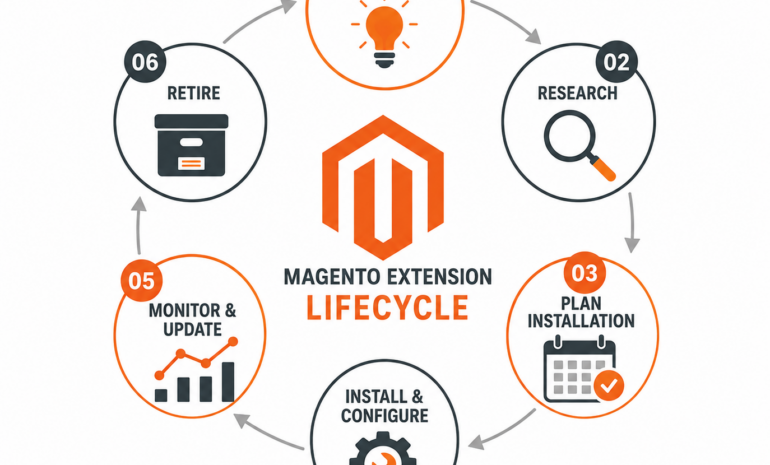
By treating extension management as an ongoing process rather than a one time task, businesses can avoid common problems, improve store performance, and create a more stable foundation for long term ecommerce growth.
Frequently Asked Questions
What are Magento extensions?
Magento extensions are software modules that add functionality and features to a Magento store without requiring extensive custom development.
Can too many Magento extensions slow down a website?
Yes. Excessive extensions can increase database activity, server processing, and frontend resources, which may negatively affect performance.
How do extension conflicts occur?
Conflicts happen when multiple extensions modify the same Magento functionality or interact with shared system components in incompatible ways.
Should Magento extensions be updated regularly?
Yes. Regular updates help maintain security, compatibility, and performance.
Are free Magento extensions safe?
Some free extensions are reliable, while others may lack proper maintenance. Businesses should evaluate quality, support, and update history before installation.
How often should extension audits be performed?
Most businesses benefit from reviewing extensions at least every few months and before major upgrades.